UPLOAD VIDEO OR SUBTITLES
Start with a video, screen recording, SRT, VTT or generated captions.
 Captn
Captn
ONLINE SUBTITLE EDITOR
Upload a video, SRT or VTT. Generate or import captions, fix words and timing directly on the video preview, then export subtitle files, captioned MP4s, clips, green-screen captions or translated versions.
No install. No timeline wrestling. Import subtitles, fix them visually, export SRT, VTT & MP4.
Start with a video, screen recording, SRT, VTT or generated captions.
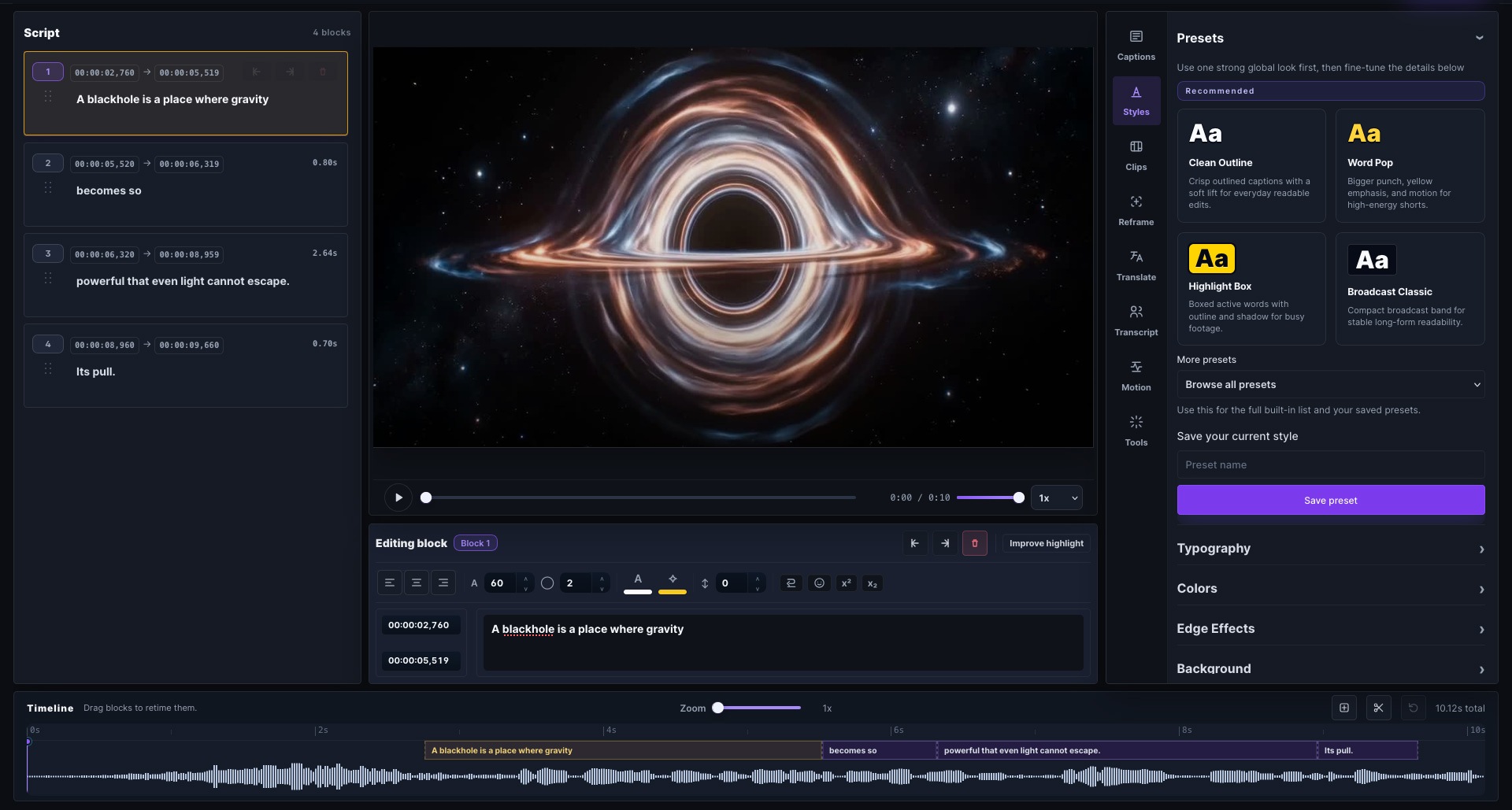
Correct words, split lines, adjust timing and style subtitles while watching the result.
Download SRT, VTT, captioned MP4s, clips or green-screen captions.
LAUNCH CAPTN
Stop rebuilding captions for every format. Clean them once, then reuse them for translations, social clips, course videos, client review files and platform-ready exports.
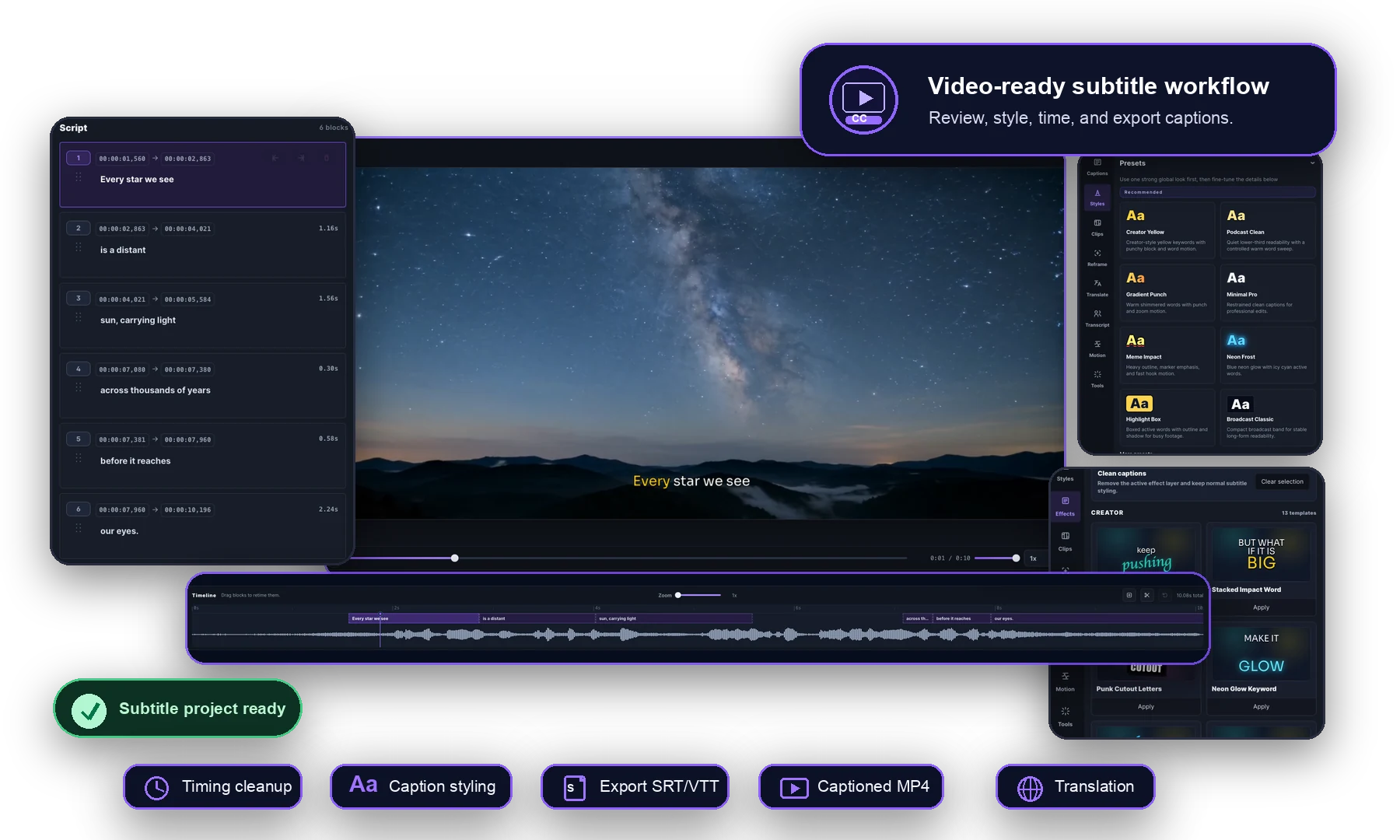
BUILT FOR REAL SUBTITLE EDITING
Generated captions get you close, not done. Captn keeps the transcript, timing, style controls and video preview together, so you can fix subtitles without digging through a heavy editing timeline.
FINISH AND PUBLISH
Fix the generated captions, then export SRT, VTT, captioned MP4s, clips or translated subtitles.
PLANS AND PRICING
Try the editor on real projects. Upgrade when you need longer videos, more exports, translations, clips or higher publishing volume.
Free
Good for checking transcription, visual cleanup, and export quality on shorter projects.
Paid
Use more processing time for longer videos, polished exports, reusable projects, and clips.
FAQ
A few practical answers before you start a project.
Captn is an online subtitle editor for generating, editing, translating, exporting, and burning captions into videos. Upload a video, generate captions or import SRT/VTT, edit them on the preview, then export subtitle files or captioned videos.
Yes. Upload an SRT or VTT file, review it against the video, fix text and timing, then export an updated subtitle file when you are done.
Yes. You can start from a video and generate captions, then clean up the words, line breaks and timing before exporting.
Yes. Captn can export captioned video, subtitle files such as SRT and VTT, clips, green-screen captions and translated versions.
Yes. You can create translated caption versions from the same project and export the translated subtitles or video.
No. Captn is built around the video preview and subtitle editor, so you can fix captions without learning a complex editing timeline.
Yes. You can use cleaned captions to create short clips and prepare exports for platforms like TikTok, Reels, Shorts and course content.
Start a project