Choose the final video
Start with the video that should be published with permanent captions.
 Captn
Captn
BURN SUBTITLES INTO VIDEO
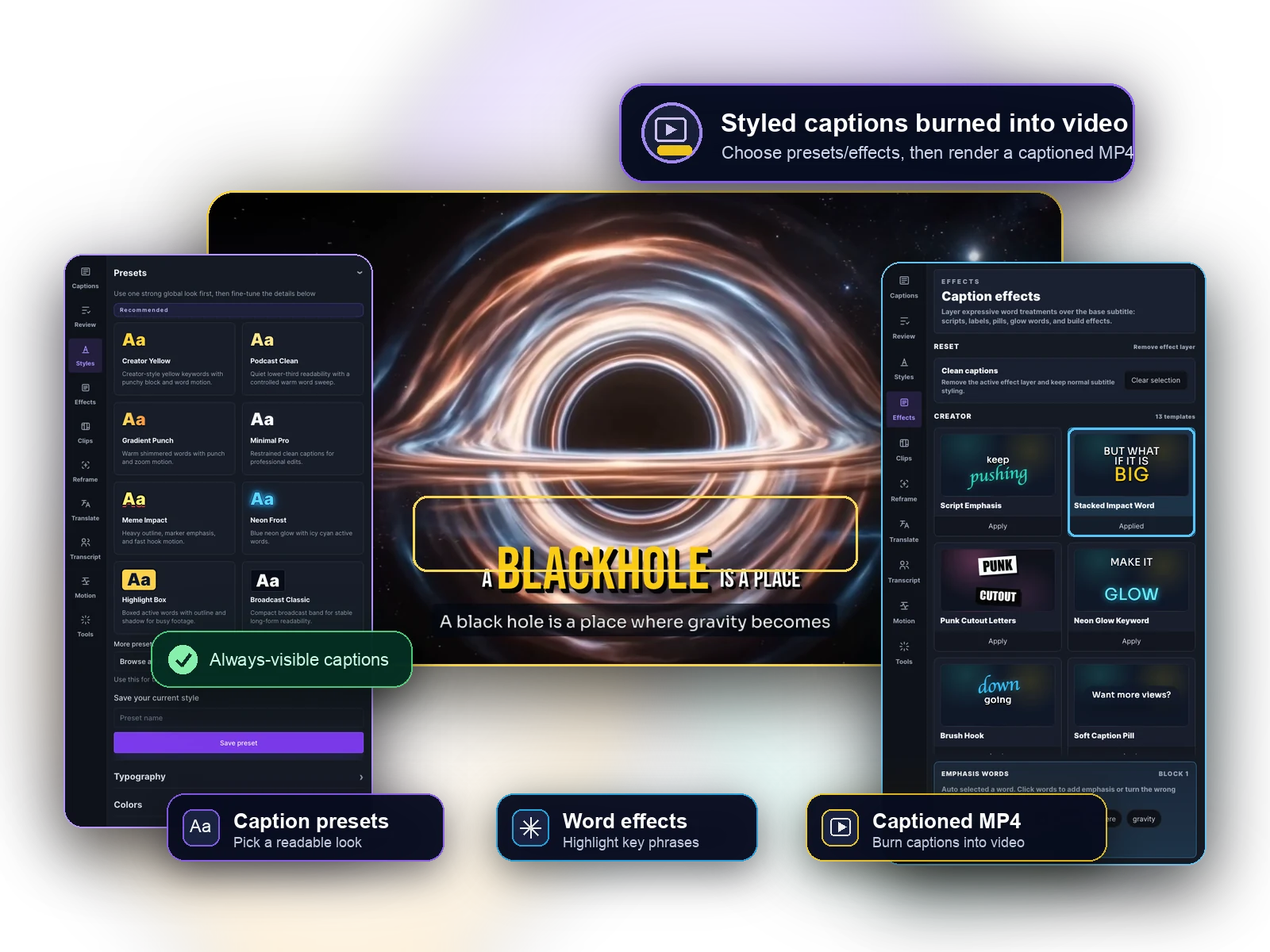
Start free and render subtitles directly into the final MP4 so captions stay visible even when a platform does not show a separate caption track.
How it works
This page is about the final render step. Keep captions editable while reviewing, then bake them into the MP4 when they are ready.
Start with the video that should be published with permanent captions.
Generate subtitles or import a subtitle file, then keep captions editable before rendering.
Review caption timing against playback and fix timing before captions become permanent.
Pick a readable visual style that works when captions are rendered into the video.
Render the final captioned MP4 with subtitles burned directly into the video.
Before you render
Burned-in subtitles are permanent in the exported file, so Captn keeps wording, timing and style editable before captions travel with the video.
Review text, casing, punctuation and line breaks before the subtitles are rendered.
Check captions against playback and adjust subtitle blocks before the final render.
Use readable caption styling that matches the video, then export with previewed placement.
Export options
The main output is a final captioned MP4. Subtitle files can still exist as supporting exports, but this page is about permanent captions in the video file.
Export a video with subtitles permanently rendered into the final MP4.
Keep a subtitle file as a backup or upload track when the platform supports captions.
Use the same hardcoded-caption approach for clips where viewers may watch without captions enabled.
Caption styling
Tune the caption style before it becomes part of the video. Use clear outlines, backgrounds and highlights for Shorts, Reels, course videos and client-facing deliverables.
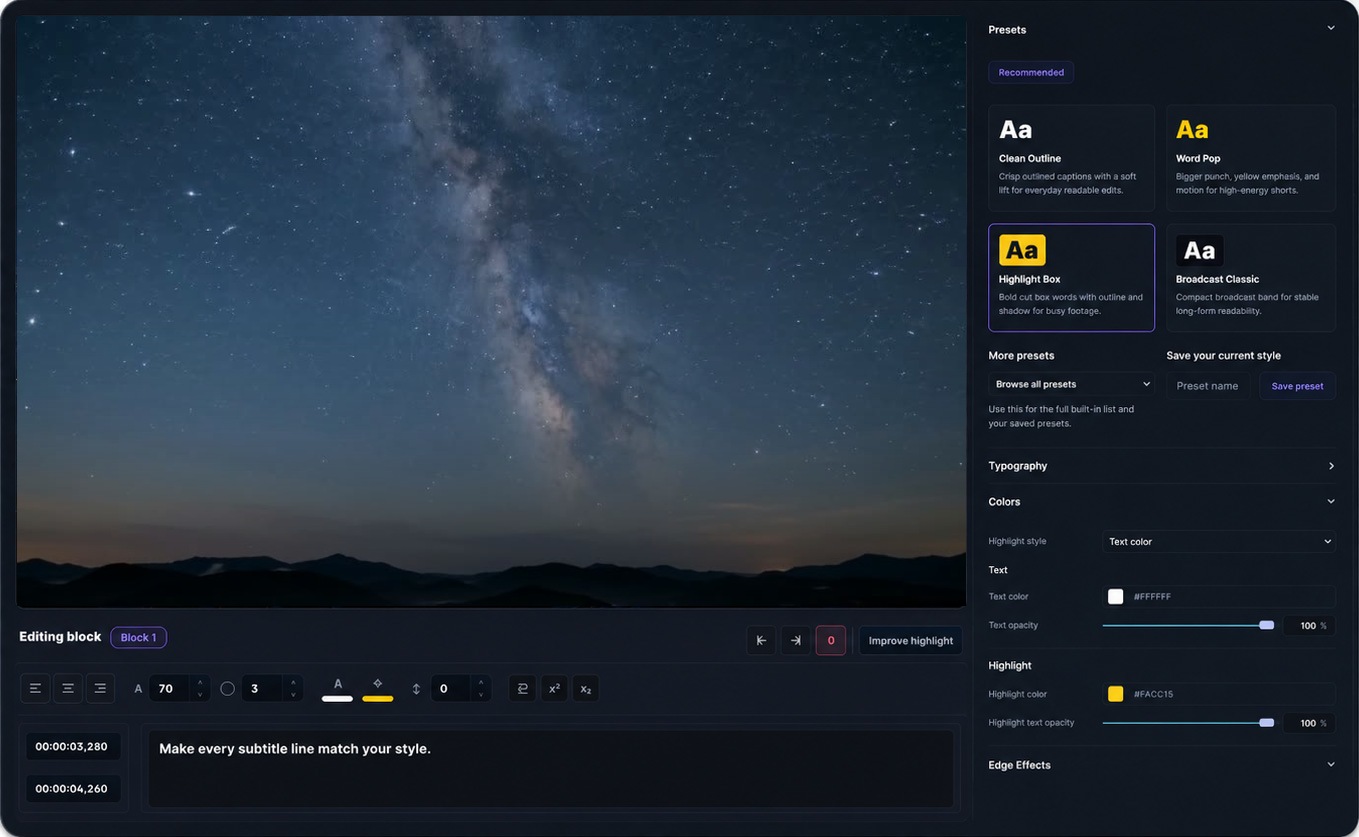
Preview first, then burn in.
Use cases
Use burned-in captions when the video needs to be readable anywhere it is watched.
Hardcode captions for Shorts, Reels and feed videos so the text stays visible even when viewers never enable captions.
Export explainers and walkthroughs with permanent captions that survive every player, embed and client review link.
Publish lessons with captions baked into the video when a separate subtitle track is not reliable for learners.
Turn long recordings into replay videos where readable burned-in captions stay visible on every platform.
Add permanent captions to tutorials and demos so every step stays legible in the final rendered video.
Render translated subtitles directly into the localized video when viewers need the caption text visible by default.
Burn captions into spoken clips so they remain understandable in silent autoplay feeds and reposts.
FAQ
Quick answers about burning subtitles into video for free, editing captions, styling the text, and exporting a captioned MP4.
Yes. You can start free, prepare subtitles, style them, and export a video with captions burned in. Free upload and export limits apply.
Burned-in subtitles are part of the video pixels. Viewers do not need to turn captions on, and the subtitles stay visible after upload.
Yes. You can fix wording, split or merge blocks, adjust timing and preview the caption layer before rendering the MP4.
Yes. Export a burned-in MP4 and keep SRT or VTT subtitle files from the same project.
Yes. Captn can export a captioned MP4 with subtitles rendered directly into the video file.
Yes. Import an SRT or VTT file, edit and style it, then export a video with those subtitles burned in.
Yes. Use fonts, colors, outlines, shadows, background boxes, placement controls and word highlights before export.
Captn is built around preview and export parity, so caption placement, wrapping, styling and word highlights are designed to stay aligned.

Start a project