Use Captn when
You need block-level timing control
Choose Captn when you need to adjust individual caption blocks, split or merge lines, preview timing and export synced subtitles or a captioned MP4.
 Captn
Captn
FIX SUBTITLE TIMING ONLINE
Use Captn when captions are close but not synced: adjust subtitle blocks, split or merge lines, check playback, and export files or video after the timing feels right.
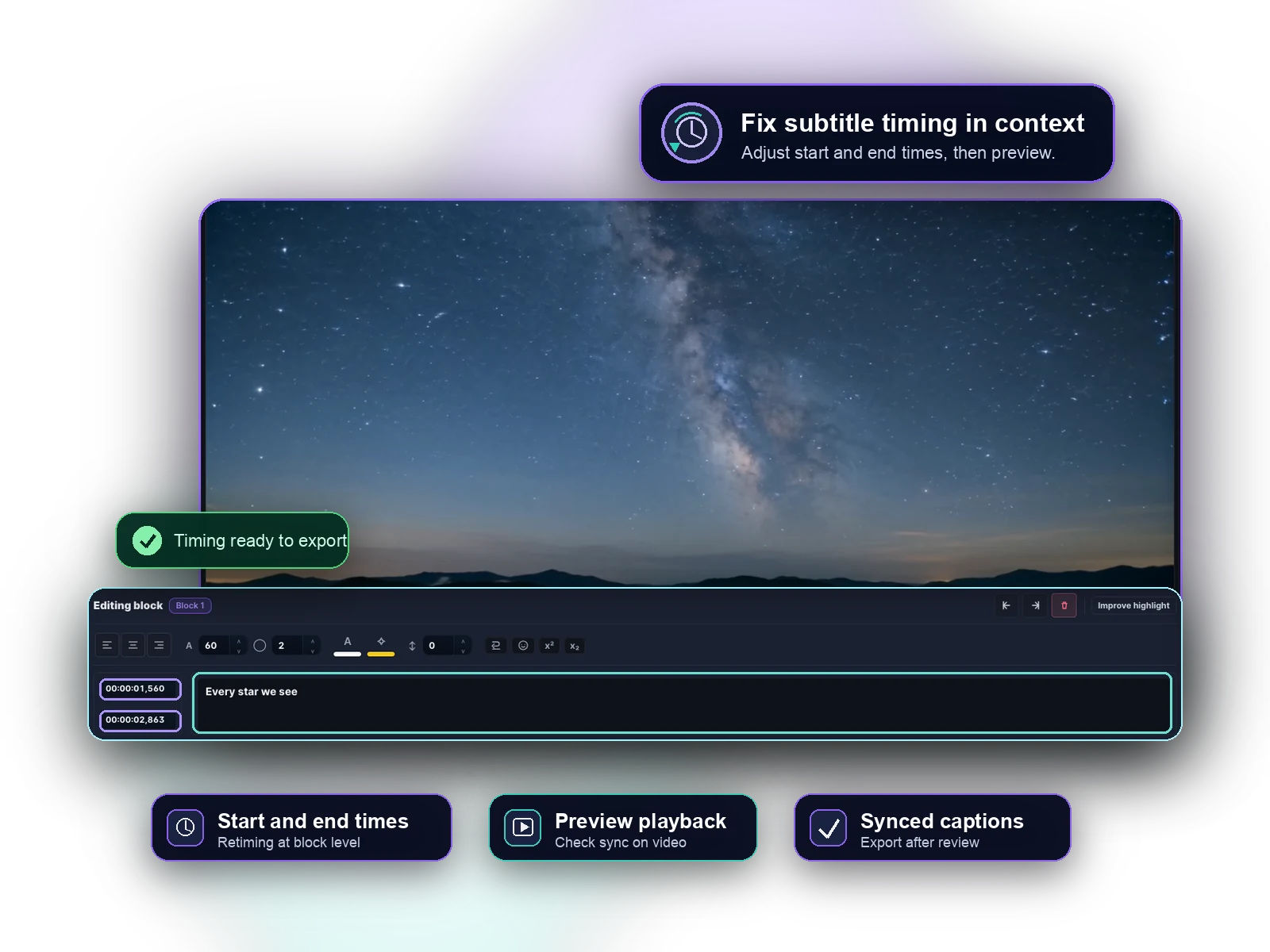
Quick guide
If subtitles appear too early, too late, stay on screen too long or break in awkward places, Captn helps you review and adjust timing before publishing.
Use Captn when
Choose Captn when you need to adjust individual caption blocks, split or merge lines, preview timing and export synced subtitles or a captioned MP4.
A simpler path works when
A basic timing shifter can work when every subtitle is off by the same fixed amount and the text blocks already read well.
Workflow details
Subtitle timing problems can come from a fixed offset, bad block boundaries, long captions, or edited text. The right workflow depends on what needs to be corrected.
| Workflow need | Captn | Simple timing shifters |
|---|---|---|
| Fixed delay | Review playback and adjust subtitle timing before exporting the corrected project. | A single offset tool can work if every caption is shifted by the same amount. |
| Bad block timing | Edit individual caption start and end points instead of moving the whole file blindly. | Does not usually help once block timing varies across the video. |
| Awkward line breaks | Split, merge or edit subtitle blocks so captions appear at readable moments. | A timing-only tool often leaves hard-to-read blocks unchanged. |
| Preview before export | Check timing against video playback before downloading SRT/VTT or rendering MP4. | File-only tools may require another app to confirm the result. |
| Final output | Export synced subtitle files or a captioned video from the corrected project. | Output is usually limited to the shifted subtitle file. |
Subtitle-first workflow
Timing cleanup works best when you can see the captions on the video, not only timestamps in a text file.
Move caption start and end points while the original video remains visible.
Repair blocks that are too long, too short or awkwardly divided.
Watch timing changes before exporting the corrected subtitle file or captioned video.
Best fit
Some captions are early, some are late, blocks need cleanup or you want to preview timing before export.
Every caption is shifted by the same exact delay and no text, block or style cleanup is needed.
Export options
Once timing is corrected, export a clean subtitle file or render captions into the video for publishing.
Download corrected subtitle files for platforms, players, courses or archives.
Burn the synced captions into video when subtitles need to stay visible.
Keep text, timing and style edits together until the subtitle work is ready.
FAQ
Quick answers for creators fixing subtitle timing online.
Yes. Captn lets you adjust subtitle timing in the browser while previewing captions against the video.
Yes. You can adjust individual subtitle blocks instead of shifting every caption by the same amount.
Yes. You can export corrected SRT/VTT files or render the synced captions into a captioned MP4.
Yes. Import an SRT or VTT file, review it against the video, adjust timing, and export the corrected subtitles.
Yes. Captn supports splitting and merging subtitle blocks when timing or readability needs cleanup.

Start a project