Use Captn when
You need to create or review captions before export
Choose Captn when you need to generate subtitles from video, edit caption text, fix timing, preview the result and export a WebVTT file.
 Captn
Captn
CREATE VTT FILE
Use Captn as a browser VTT creator: upload an MP4 or video file, generate subtitles or import existing captions, review the text and timing, then download a WebVTT (.vtt) file for web players, training pages or archives.
Quick guide
Start from speech in an MP4, MOV or other video file, or bring an existing subtitle project into the editor, then export a clean .vtt file when the captions are ready for a web video workflow.
Use Captn when
Choose Captn when you need to generate subtitles from video, edit caption text, fix timing, preview the result and export a WebVTT file.
A simpler path works when
A text editor may be enough when you already know WebVTT syntax and do not need transcription, video preview, timing cleanup or a captioned MP4.
Workflow details
WebVTT files are usually the last step of a subtitle workflow. The work before export is making sure the cue text, timestamps and readable breaks match the video.
| Workflow need | Captn | Text-only VTT tools |
|---|---|---|
| MP4 to VTT | Upload an MP4 or other video, generate editable subtitles, review them and export a .vtt file. | A manual file workflow requires writing cue timing and text yourself. |
| SRT to VTT | Import SRT with the video, check timing in context, then export VTT from the edited project. | A basic converter can change the format, but it will not confirm whether timing still matches the video. |
| Timing cleanup | Adjust subtitle blocks and preview them against playback before downloading the WebVTT file. | File-only tools often leave timing mistakes hidden until the player loads the captions. |
| Caption styling | Style captions for rendered video exports while keeping VTT as a reusable text subtitle file. | WebVTT itself is mainly a text cue file, so styling may belong in the player or video export. |
| Final outputs | Export VTT, SRT or a captioned MP4 from the same reviewed subtitle project. | The output is usually only the text subtitle file. |
Subtitle-first workflow
Captn is built for the steps around the VTT file: transcription, correction, timing review, line cleanup and export.
Turn speech in a video into editable subtitle blocks before exporting VTT.
Check cue timing against the video instead of trusting raw timestamps.
Export the reviewed captions as a .vtt file for web players and reusable caption workflows.
Best fit
You need to create captions from MP4 or video, convert a reviewed subtitle project to VTT, or check timing before delivery.
You already have final cue text and timestamps, and you only need to hand-write a small WebVTT file.
Export options
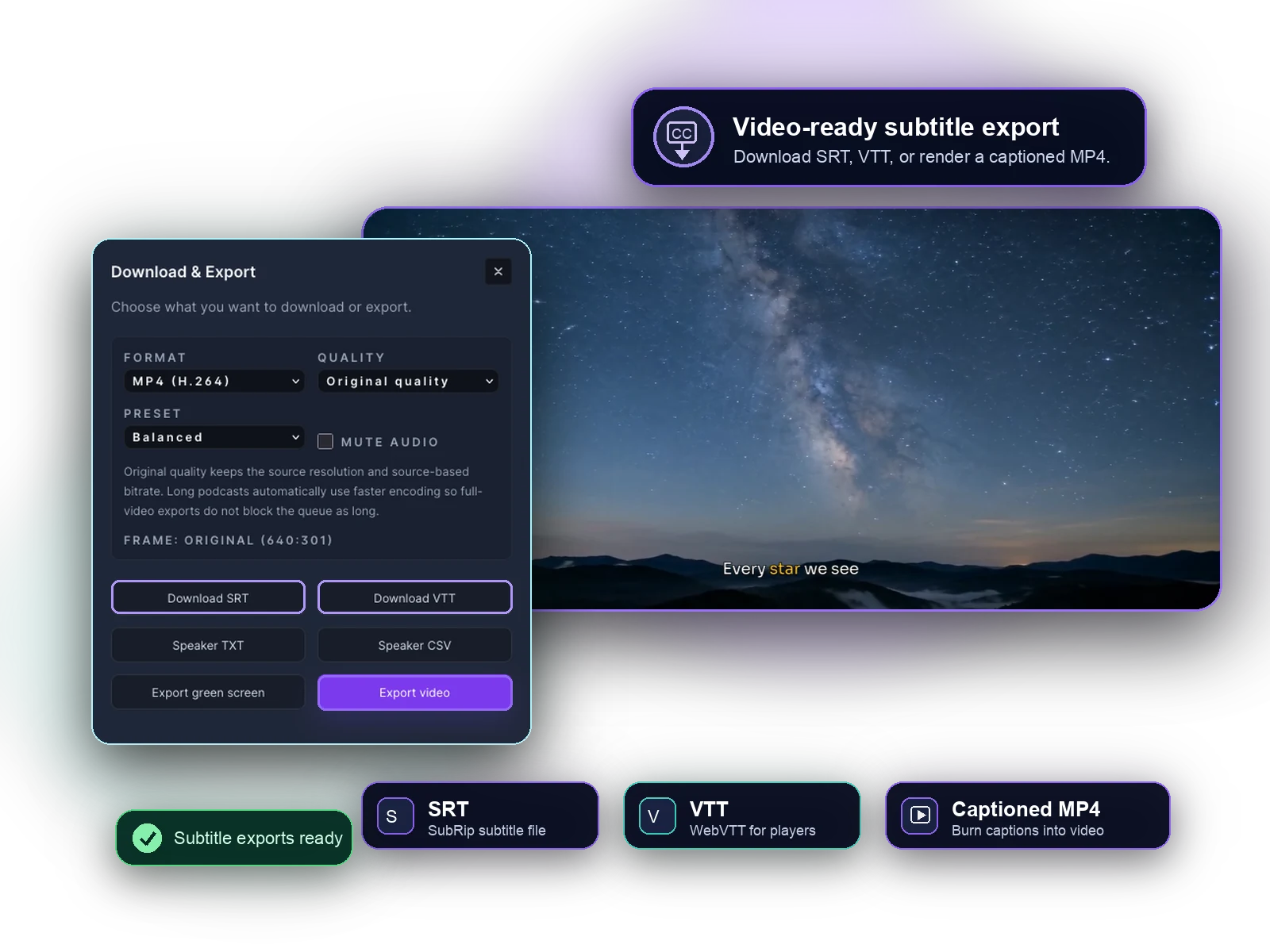
After review, the same project can provide a VTT file for web playback, an SRT file for platform upload, or a captioned MP4 when subtitles need to be visible in the video.
Download a WebVTT subtitle file for browser video players, training libraries, course pages or archives.
Keep an SRT version available when another platform prefers SubRip captions.
Render subtitles into the video when a separate caption file is not enough.
FAQ
Quick answers for creators who need a VTT subtitle file.
Yes. Upload a video, generate or import subtitles, review the caption text and timing, then download a WebVTT (.vtt) file.
Yes. Upload the MP4, generate editable subtitles, review the caption timing and text, then export the reviewed captions as WebVTT.
Yes, when you bring the SRT into a video project. Captn imports SRT, lets you check timing against the video, and can export VTT.
Not as a public API today. The current VTT workflow is the web editor: create or import subtitles, review them, and export VTT.
SRT is a common subtitle file format. WebVTT starts with a WEBVTT header, uses dot-based timestamps, and is commonly used by web video players.

Start a project